Managing your DynamoDB tables with DocKit make life easier
While DynamoDB delivers high performance as a serverless NoSQL database, managing it through the AWS Console can be frustrating, web-based interfaces are prone to misoperations and lost inputs. Existing desktop clients like dynobase and dynomate are closed-source and seems lack active maintenance.
That's why we built DocKit with DynamoDB support, starting from v0.8—an open-source desktop GUI client that lets you connect to, query, and manage DynamoDB tables using both a friendly UI and PartiQL, all from your desktop.
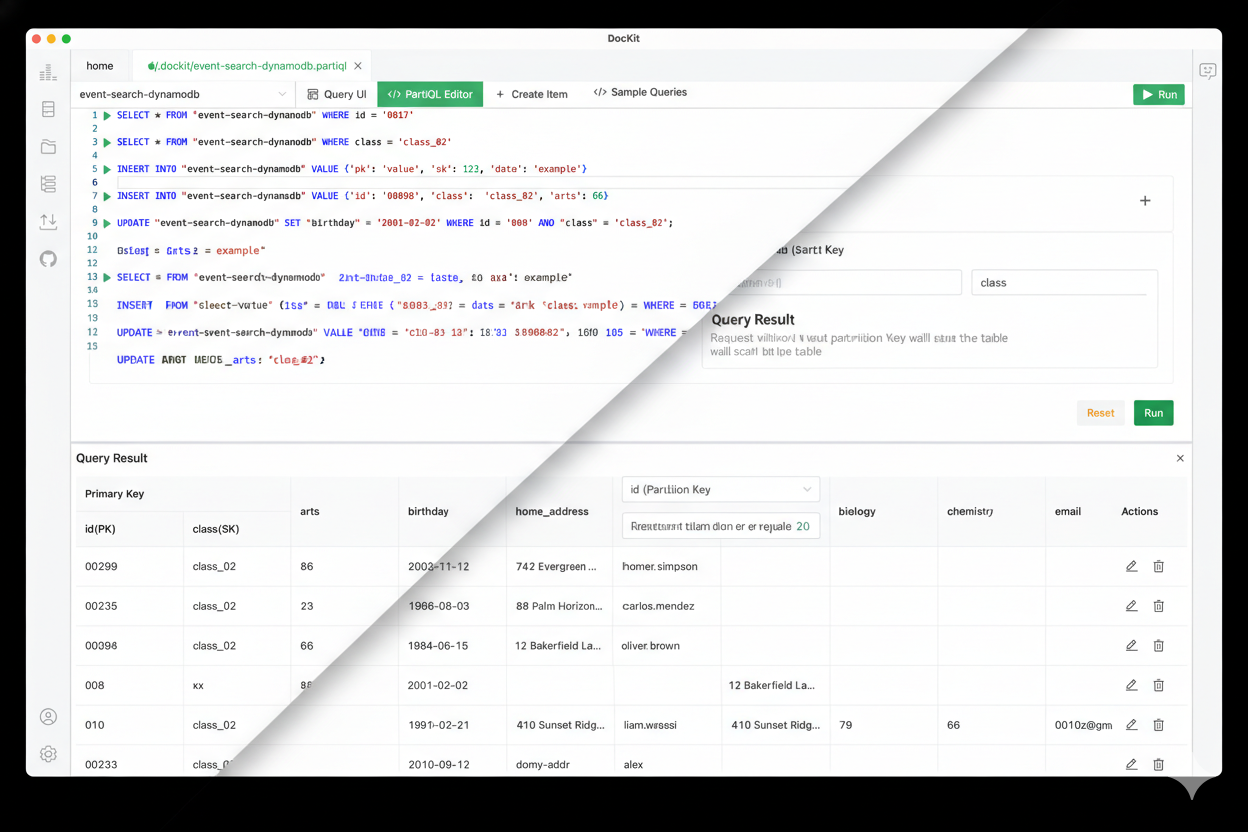
What is DocKit?
DocKit is a opensource cross-platform GUI client designed for NoSQL databases including DynamoDB, Elasticsearch, and OpenSearch. Built for developers who prefer a visual, developer-friendly workflow over raw CLI commands.
Key Features
- User-Friendly Interface: Navigate through your DynamoDB tables with ease using DocKit's intuitive desktop interface.
- PartiQL Query Support: Write SQL-like queries for DynamoDB with intelligent auto-completion for table names, attributes, and operators.
- Visual Query UI: Act Scan and Query tables without writing code—filter by primary keys and conditions with a point-and-click interface.
- Inline Data Editing: Update and delete items directly from query results with instant feedback.
- Cross-Platform Support: Available for Mac, Windows, and Linux, ensuring compatibility with your operating system.
- Open-Source: DocKit is an open-source project, allowing for community contributions and continuous improvement.
- Multiple Connections & Database Engines: Connect to multiple Elasticsearch, OpenSearch, and DynamoDB servers simultaneously—perfect for managing dev, staging, and production environments across different NoSQL databases in one unified interface.
- Persistent Query & Connection Management: All your connections and PartiQL scripts are automatically saved and persisted to file-system and never lose your work. Organize queries for repeatable workflows and instantly access frequently-used scripts, even after closing and reopening DocKit.
- No JSON Templates Required: Create new items using a simple UI form—define keys and attributes with just a few clicks.
Getting Started with DynamoDB in DocKit
Add a DynamoDB Connection
From the DocKit homepage, you can add a new DynamoDB connection in just a few steps:
- Click the ➕ (plus) button to create a new connection
- Choose DynamoDB as the database type, then provide connection info to establish the connection
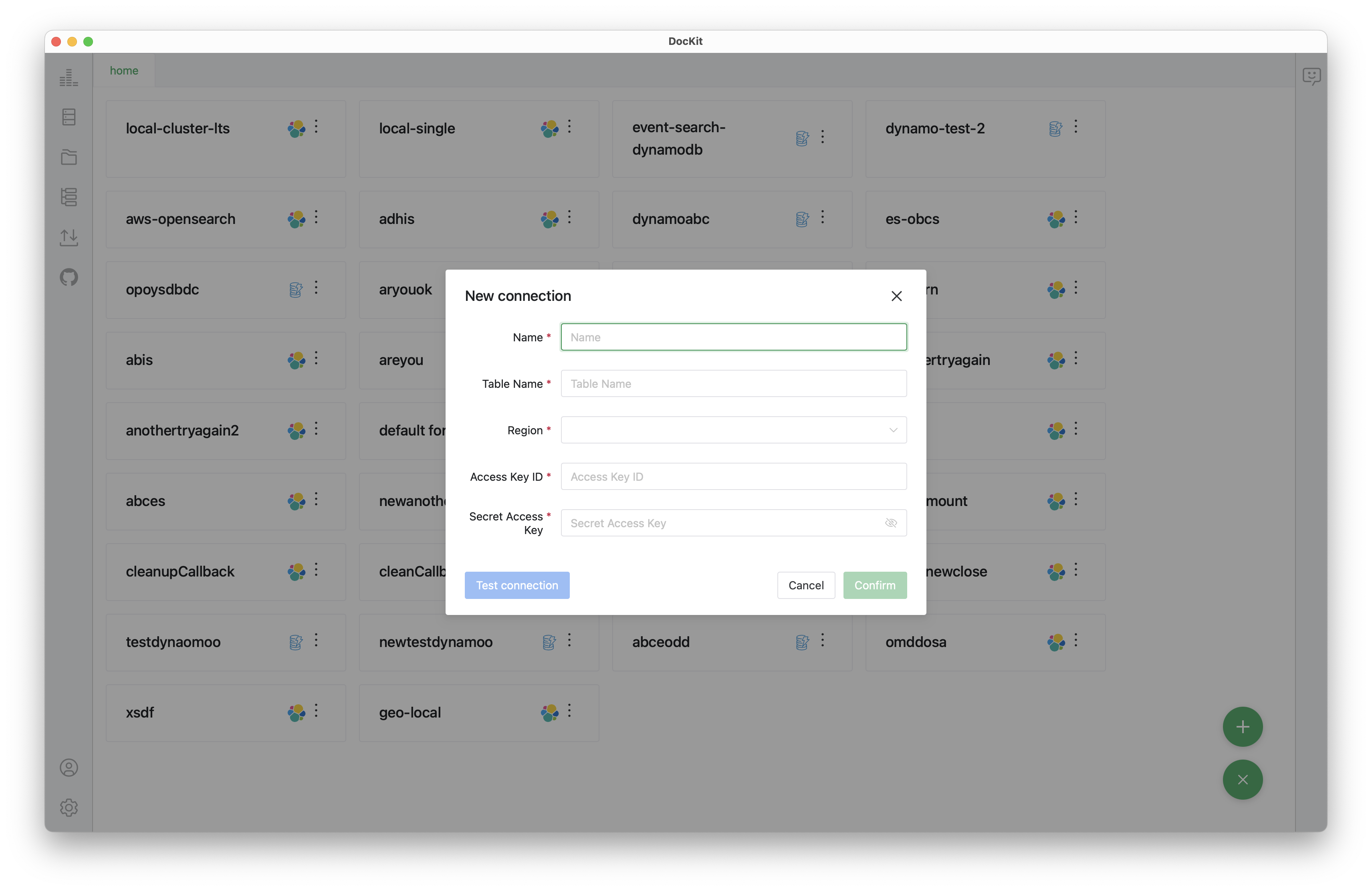
- You can lick Test Connection to verify credentials before save it
- Save the connection
Once saved, your DynamoDB connection will appear in the connection list and you can choose the connect or double click the connection item to connect to the DynamoDB, it will redirect you to the query panel
Exploring and Editing Data with the Query UI
After opening a DynamoDB connection, DocKit takes you to the editor page where you can manage data using a Query UI designed for clarity and speed.
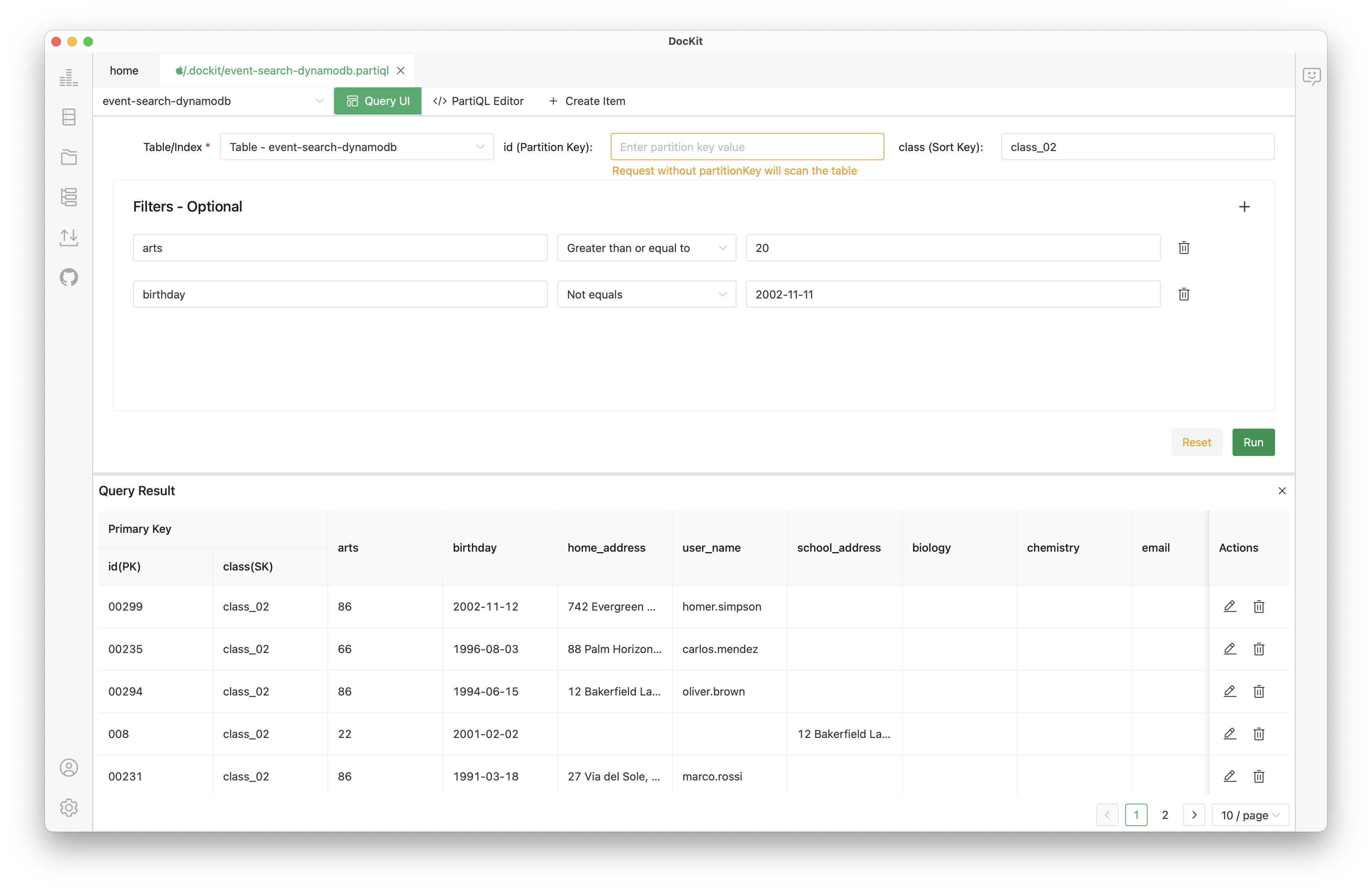
- Scan: The interface allows you to select any table and optional secondary index, then run Scan operations directly to view results in a clean, structured table format.
- Query: Execute queries with specific partition keys and sort key conditions to retrieve targeted data efficiently.
- Advanced Filters: Refine results by filtering with primary key and adding additional conditions such as equals, less than, or greater than operations. This makes it easy to validate business logic or locate specific records without constructing complex queries.
- Inline Editing: Simply click into any field in the results table, change its value, confirm, and the update is applied immediately—no JSON editing required.
- Delete Items: Remove items using the user-friendly interface without writing a single line of code.
Managing DynamoDB with PartiQL
For users who prefer more control, DocKit includes a powerful PartiQL editor that brings SQL-like syntax to DynamoDB, making queries more expressive and familiar for developers.
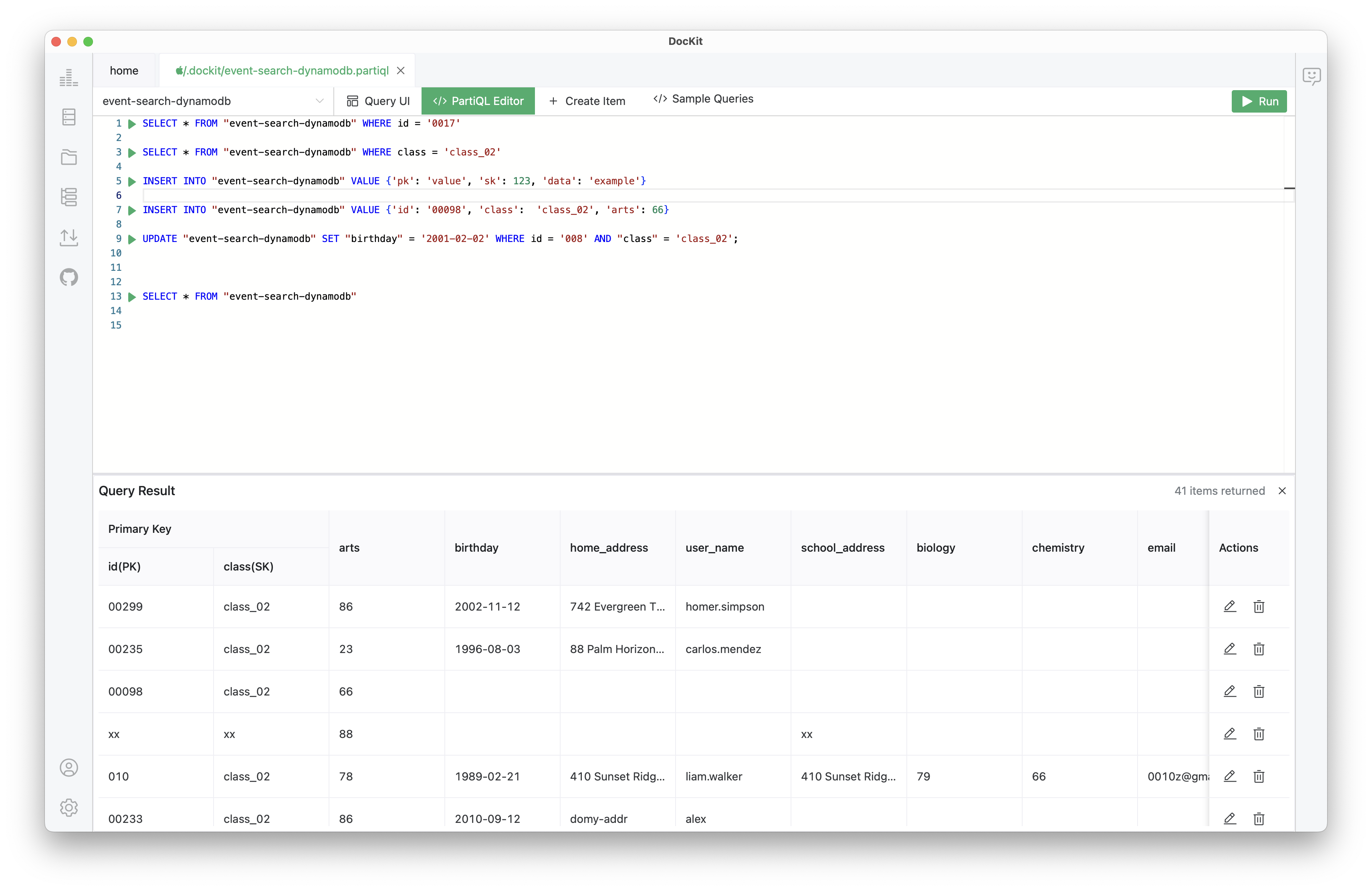
- Full PartiQL Support: Execute all PartiQL operations including
SELECT,DELETE,UPDATE, and more directly against your DynamoDB tables. - Result Manipulation: Modify or delete items directly from query results—no need to write separate update queries.
- Intelligent Auto-Completion: Comprehensive auto-completion for table names, attribute names, operators, and keywords drastically reduces errors and speeds up query writing.
- Sample Queries: Built-in sample queries help you get started quickly and learn PartiQL syntax by example.
- Script Persistence: Press Cmd + S (or
Ctrl + S) to save your PartiQL queries to file-system. Saved scripts appear in the File Panel and are stored in .dockit by default, though you can also open and manage scripts from other folders. This makes DocKit suitable not only for exploration, but also for repeatable operational workflows.
For more details about PartiQL syntax and capabilities, check the AWS official docs and PartiQL specification.
Creating New Items via UI
DocKit also makes item creation simple—no JSON templates required. By click the Create Item in toolbar, it will redirect you to the Create Item UI, using the UI, you can:
- Define partition keys and sort keys
- Set attribute values
- Create new items with just a few clicks

Once created, you can immediately query the item using either the Query UI or PartiQL editor to verify the result.
What's Next?
DocKit v0.8 brings DynamoDB management into a modern, intuitive desktop experience—combining visual workflows with the power of PartiQL. This project is still actively developing, we will continue to bring more features and improvements to the NoSQL management experience.
Feel free to try it out and any feedback is warmly welcome—whether it's feature requests, bug reports, or suggestions for improvement. Don't be stingy with your stars and issues on GitHub!
Official Site: https://dockit.geekfun.club/
GitHub: https://github.com/geek-fun/dockit
Stay tuned for more updates 🚀