
SqlKit — Agentic SQL GUI Client for All Your SQL Databases
SqlKit is an open-source SQL desktop client for Mac, Windows, and Linux. It wraps an AI agent that understands databases around native drivers for 50+ engines — PostgreSQL, MySQL, SQL Server, SQLite, DuckDB, ClickHouse, Snowflake, BigQuery. Pick your poison.
AI-powered client vs traditional SQL tools
DBeaver and DataGrip make you write every JOIN yourself, stare at slow queries until something clicks, and read stack traces when things break. SqlKit's Agentic Data Studio flips that: tell it what you need, it reads your schema, writes the query, explains the plan, and fixes errors when they happen.
Starts in under 2 seconds, sits at about 150 MB of RAM, works offline for everything except AI. Bring your own key — OpenAI, Anthropic, DeepSeek, Ollama, LM Studio. Whatever you prefer.
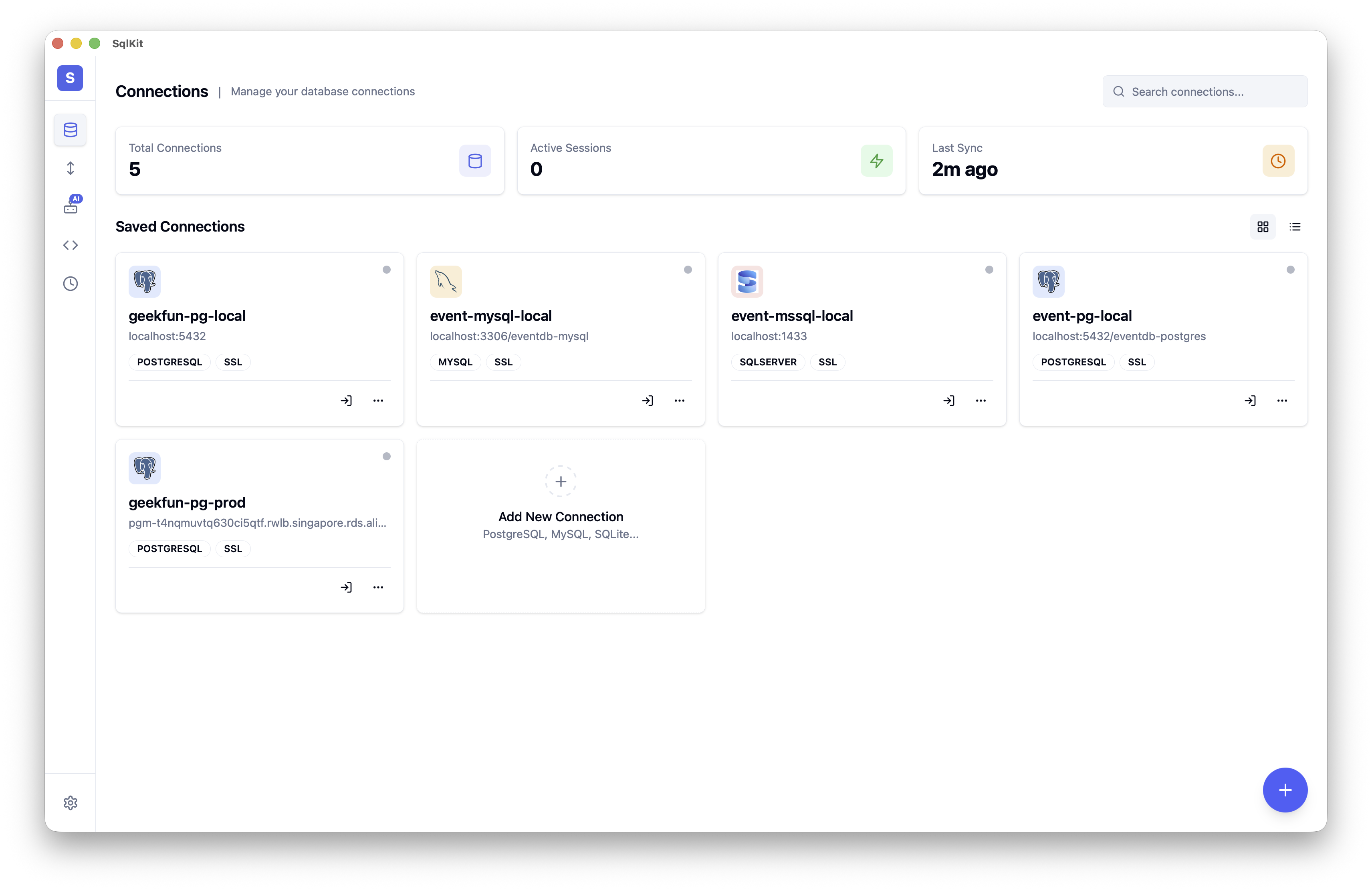
Key features
Agentic Data Studio
The Agentic Data Studio is an AI agent plugged into your database schema, indexes, and query history. Ask for something and it reads live context from your database, builds the SQL, and runs it through verified tools.
"Find the top 10 customers by revenue this quarter" — it finds the right tables and columns, constructs the query, executes it. "Optimize this slow query" — it rewrites the SQL and shows you the execution plan with cost highlights.
Reads run automatically. Destructive operations (DELETE, DROP, mass UPDATE) ask for confirmation first. Your credentials never reach the LLM.
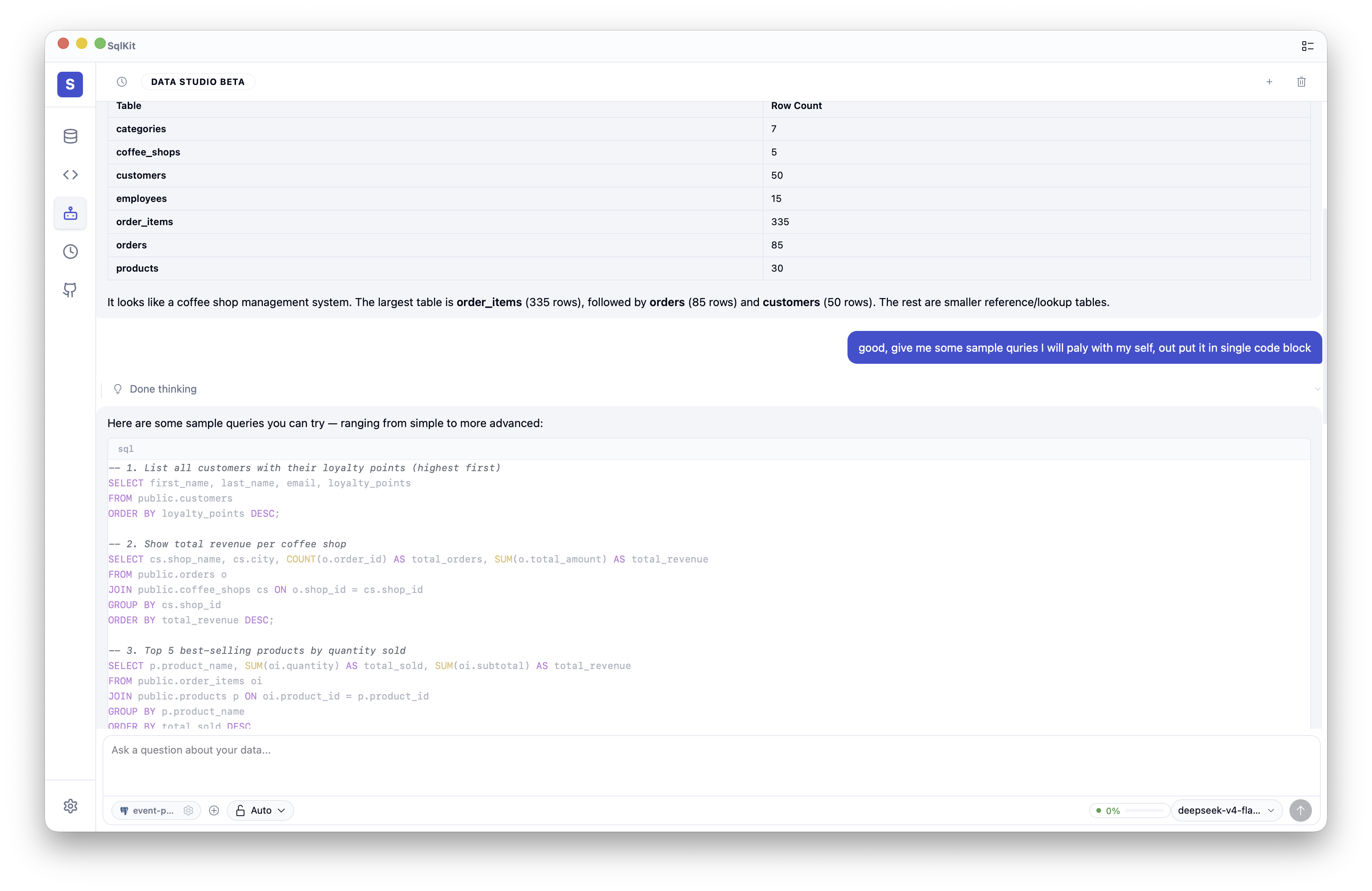
Natural language to SQL
Generic AI tools hallucinate table names. SqlKit reads your actual schema — real table definitions, column types, indexes, relationships — and generates SQL that actually runs. Against PostgreSQL, MySQL, SQL Server, or whatever dialect you're on.
- Ask follow-ups to tweak sorting, filters, or grouping
- Explain mode previews the SQL before executing
- Dialect-aware output for your specific database
SQL optimization and execution plan visualization
Got a slow query? SqlKit rewrites it — better JOINs, smarter index use, cleaner WHERE clauses. The execution plan viewer shows structured trees with cost highlighting. You see the bottleneck, not a wall of EXPLAIN output.
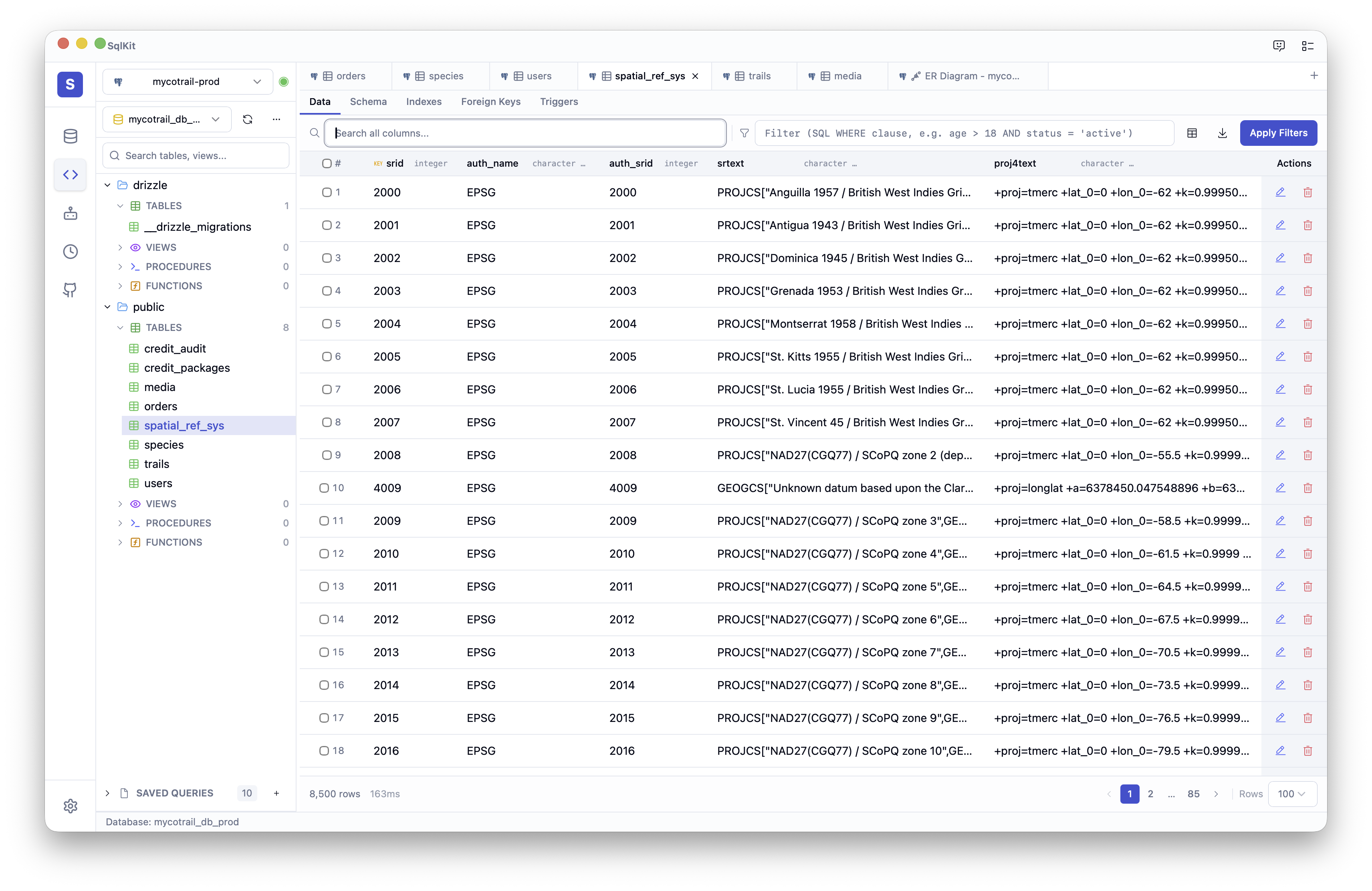
Automatic error fixing
SqlKit reads the error, your schema, and the failing query, then suggests the fix. Syntax errors, missing columns, type mismatches, permission issues — it handles most of what you'd normally Google.
Bring your own AI provider
Not locked into any AI vendor. Pick one in Settings:
| Provider | Type |
|---|---|
| OpenAI | GPT-4o, GPT-4o-mini, o-series |
| Anthropic | Claude 3.5 Sonnet, Claude 3 Opus |
| DeepSeek | DeepSeek V2, DeepSeek Coder |
| OpenRouter | Unified access to 100+ models |
| Ollama | Fully offline with local models |
| LM Studio | Run models from Hugging Face locally |
| Custom endpoint | Any OpenAI-compatible API |
Monaco-powered SQL editor
The editor is Monaco — same engine VS Code uses. Syntax highlighting for every dialect, autocomplete from live schema metadata, multiple tabs, configurable formatting with Shift+Alt+F.
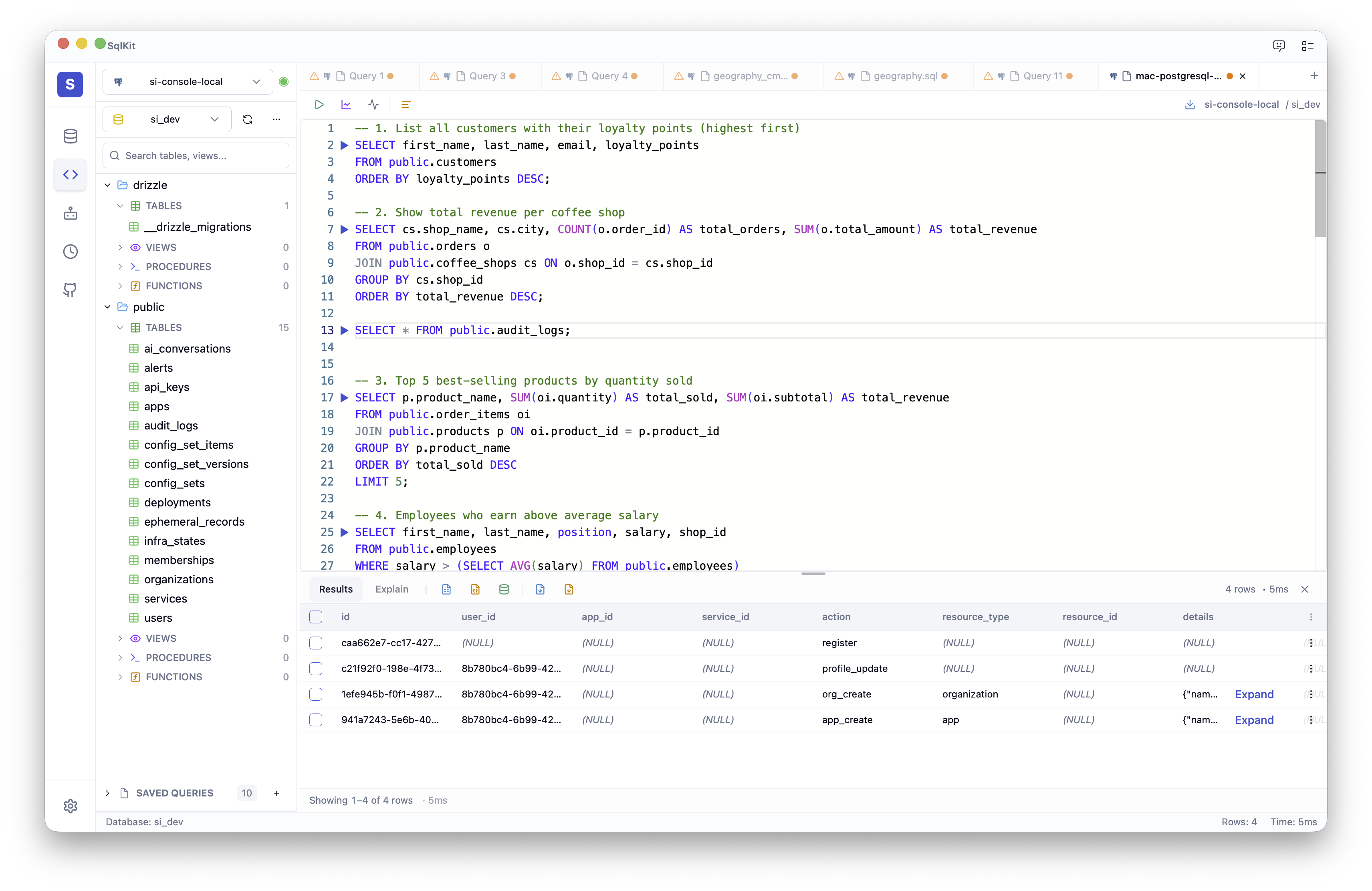
Run with Cmd/Ctrl + Enter. Add Shift to include the execution plan.
Multi-database support
50+ databases, five adapter strategies to get you connected:
| Strategy | Databases |
|---|---|
| Native (Rust) | PostgreSQL, MySQL, SQL Server, SQLite, DuckDB, ClickHouse, Firebird, Oracle |
| PG-wire compat | CockroachDB, Redshift, YugabyteDB, TimescaleDB, QuestDB |
| MySQL-wire compat | MariaDB, TiDB, OceanBase, StarRocks, Databend |
| JDBC bridge | Snowflake, DB2, H2, BigQuery, Databricks, Hive, Teradata, Vertica, Exasol |
| HTTP bridge | Trino, Presto |
Data browsing & visual tools
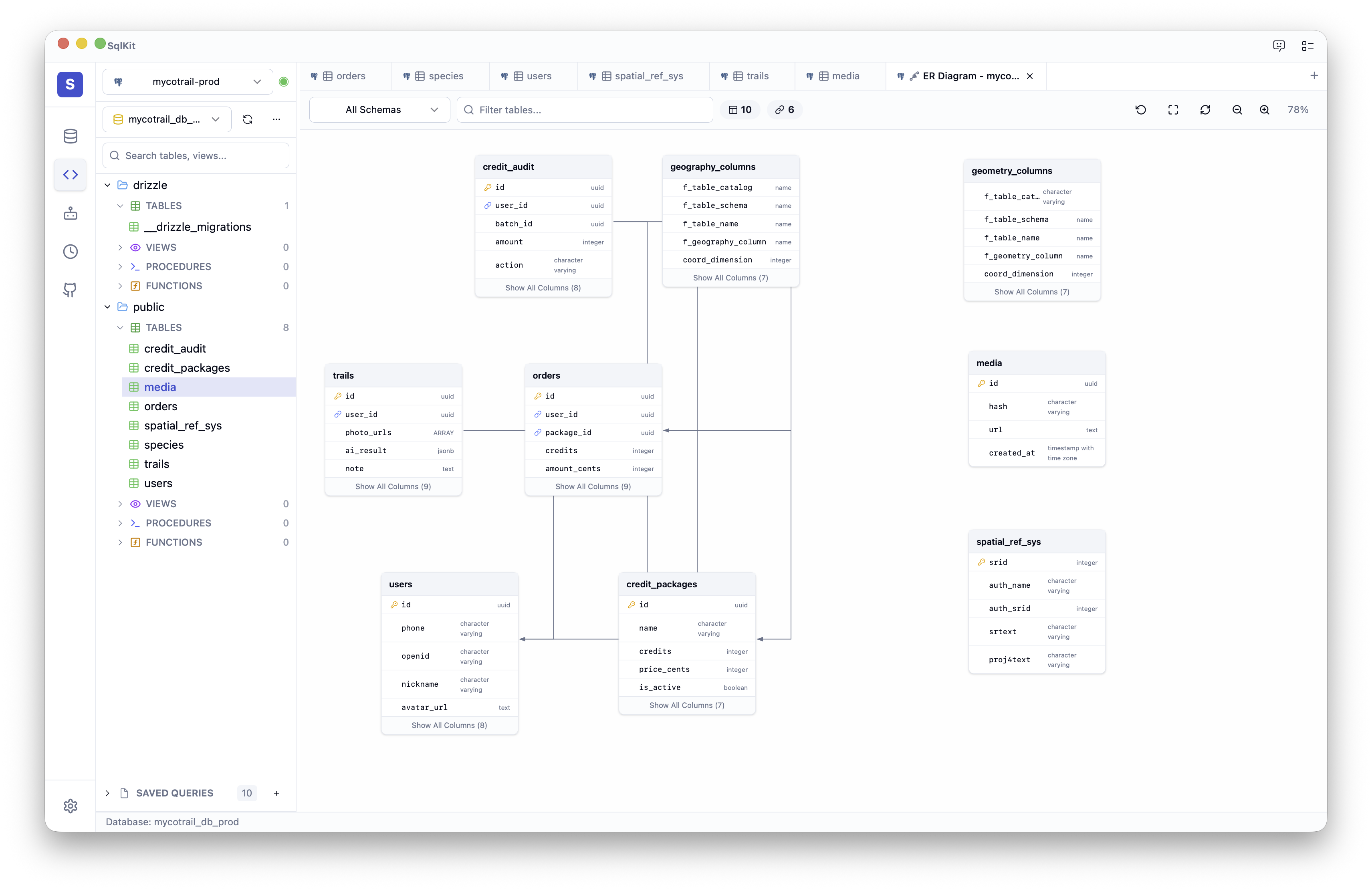
Tree view of databases, schemas, tables, and columns. Virtual-scrolled data grid with sort, filter, inline editing, and row-level search. DDL viewer, object search, and ER diagrams — everything to explore your database structure without writing queries.
ER diagram visualization
Entity-relationship diagrams drawn on a canvas. See table relationships, foreign keys, and indexes visually. Zoom, pan, click around. Powered by Dagre for the graph layout.
Comparison
| SqlKit | DBeaver | DataGrip | Navicat | |
|---|---|---|---|---|
| AI agent | ✅ Native | ❌ Plugin | ❌ | ❌ |
| Natural language to SQL | ✅ Schema-aware | ❌ | ❌ | ❌ |
| SQL optimization | ✅ Auto + explain | ❌ | ❌ | ❌ |
| Error auto-fix | ✅ | ❌ | ❌ | ❌ |
| 50+ databases | ✅ | ✅ | Partial | ✅ |
| Platform | Desktop (Rust + Tauri) | Java/Electron | JVM | C++ |
| Startup | < 2 s | 5–15 s | 10–20 s | 3–8 s |
| RAM | ~150 MB | ~400 MB | ~500 MB | ~200 MB |
| Open source | Apache 2.0 | GPL | ❌ | ❌ |
| Price | Community: free · Ultimate $9.9/mo | Free | $199/yr | $199+ |
Version compatibility
If it speaks SQL, SqlKit probably connects. PostgreSQL 9.x–17.x, MySQL 5.7–9.x, SQL Server 2012–2025, SQLite 3.x, DuckDB 0.x–1.x, latest ClickHouse, Snowflake, BigQuery, Oracle. The JDBC bridge picks up anything with a JDBC 4.0 driver.
Quick start
- Download SqlKit.
- Create a connection — PostgreSQL, MySQL, SQL Server, SQLite, whatever you use.
- Enter host, port, credentials.
- Open the Agentic Data Studio panel.
- Tell it what you need. Or just start writing SQL.
See the connection guide if you get stuck.
Questions: email [email protected].
FAQ
Is SqlKit's AI agent free? It's part of the paid Ultimate subscription. You also cover your own LLM usage if you use cloud models (OpenAI, Anthropic, etc.); running local models via Ollama or LM Studio has no LLM cost.
Does SqlKit work offline? Everything except AI works offline. For AI you need network access to your model, or run one locally.
What AI providers are supported? OpenAI, Anthropic, DeepSeek, OpenRouter, Ollama, LM Studio, or any OpenAI-compatible endpoint. Configure your key in Settings — it stays on your machine.
Is my data sent to the AI provider? Schema context (table names, column names, types) and your query go to the LLM. Database credentials and row data do not.
How is this different from GitHub Copilot for SQL? Copilot autocompletes. SqlKit reads your schema, generates queries from descriptions, optimizes slow SQL, explains plans, and fixes errors. Agent, not autocomplete.
Does SqlKit support PostgreSQL? Yes — native Rust driver. Schema browsing, EXPLAIN, DDL viewer, Agentic Data Studio. The whole stack.
Can I use my own Ollama model? Point SqlKit at any Ollama endpoint. Llama, CodeLlama, Mistral, DeepSeek Coder — anything Ollama runs.
→ SqlKit full feature overview · PostgreSQL GUI · AI SQL query guide