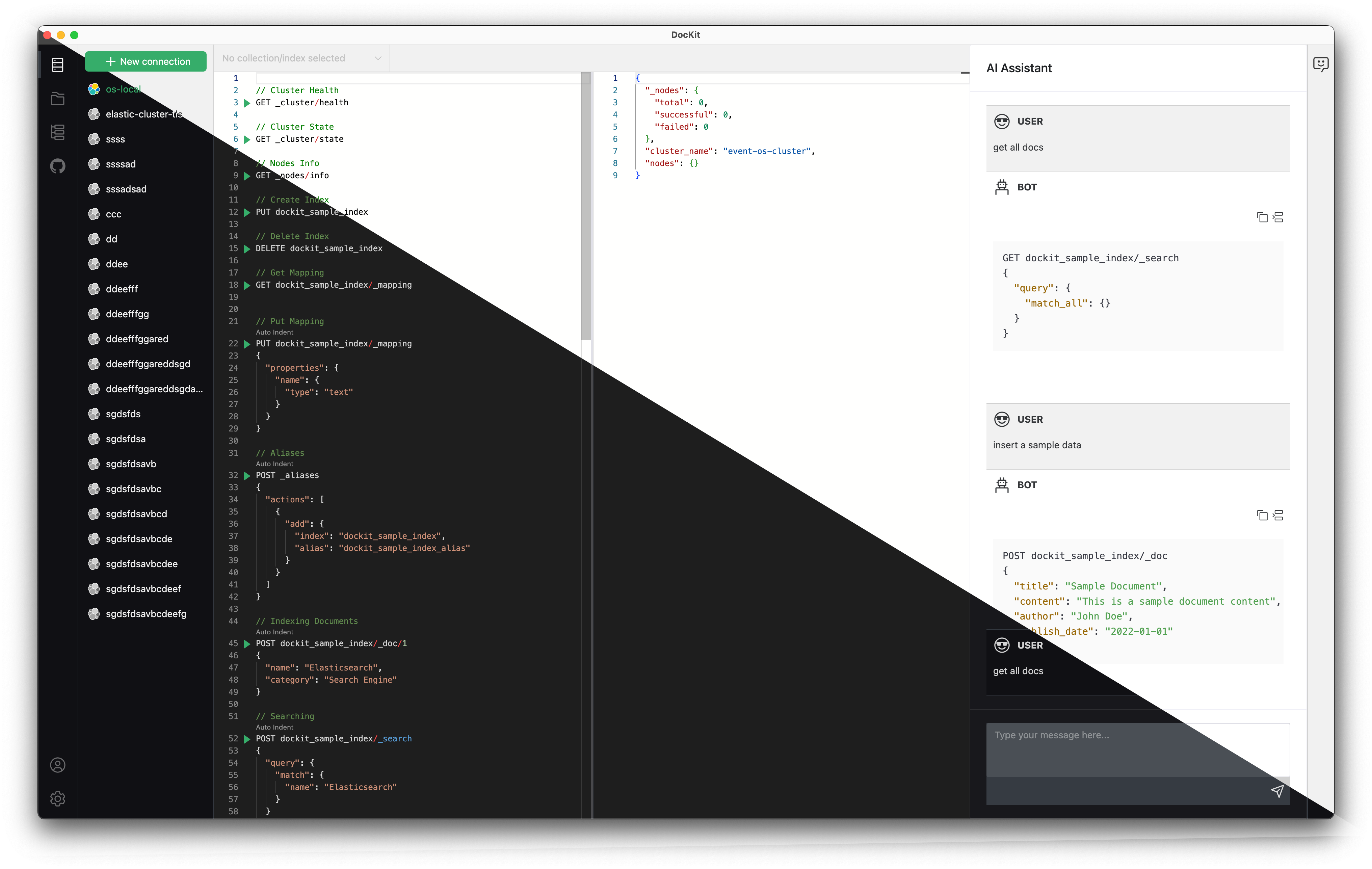
DocKit Keyboard Shortcuts
DocKit provides keyboard shortcuts to help you work efficiently. Press Cmd+? (or Ctrl+?) anytime to view all available shortcuts in the app.
Common Shortcuts
| Action | Shortcut | Description |
|---|---|---|
| Show shortcuts | Cmd+? / Ctrl+? | Open shortcuts help dialog |
| Execute query | Cmd+Enter / Ctrl+Enter | Run current query or request |
| Format | Cmd+I / Ctrl+I | Auto-indent current request |
| Autocomplete | Cmd+Space / Ctrl+Space | Open autocomplete menu |
| Comment | Cmd+/ / Ctrl+/ | Comment or uncomment line/block |
| Toggle fold | Mac: Cmd+Alt+LWin/Linux: Ctrl+Shift+L | Collapse or expand current scope |
| Fold all | Cmd+K, then Cmd+0 | Collapse all scopes (except current) |
| Expand all | Cmd+K, then Cmd+J | Expand all collapsed scopes |
| Save file | Cmd+S / Ctrl+S | Save current file |
Autocomplete Navigation
| Action | Shortcut | Description |
|---|---|---|
| Focus menu | ↓ (Down arrow) | Move focus to autocomplete menu |
| Select term | Enter or Tab | Select highlighted or top suggestion |
| Close menu | Esc | Dismiss autocomplete menu |
Elasticsearch Editor Shortcuts
| Action | Shortcut | Description |
|---|---|---|
| Open docs | Cmd+D / Ctrl+D | Open Elasticsearch API documentation |
| Previous request | Cmd+↑ / Ctrl+↑ | Jump to previous request boundary |
| Next request | Cmd+↓ / Ctrl+↓ | Jump to next request boundary |
Platform notes:
Cmd=⌘on macOS,Ctrlon Windows/Linux- Chord shortcuts (
Cmd+K, Cmd+0/J) use VS Code-style sequences for layout-independent behavior- Fold toggle uses
Alton macOS,Shifton Windows/Linux to avoid IME conflicts