
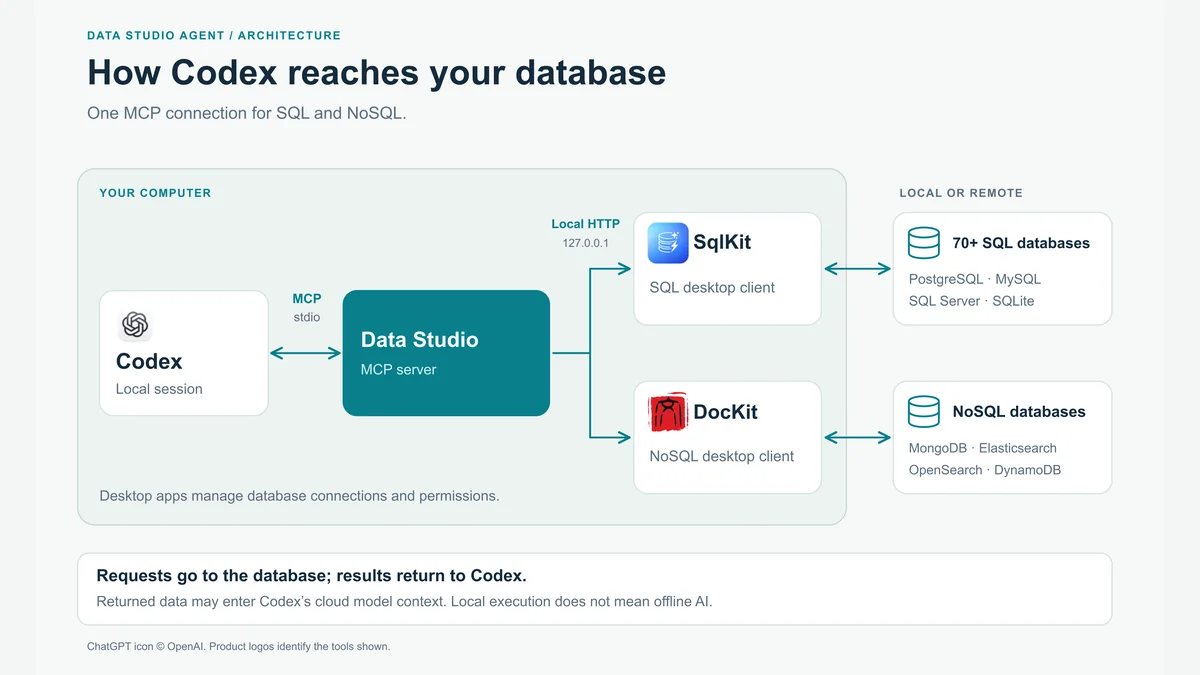
Connect Codex to your databases with Data Studio Agent
Inspect SQL and NoSQL schemas and run queries from Codex using MCP, SqlKit, and DocKit.
オープンソースのデータベースツールに関する更新情報、技術ガイド、開発の記録です。
以下の記事は英語で掲載しています。
Inspect SQL and NoSQL schemas and run queries from Codex using MCP, SqlKit, and DocKit.
Why I built SqlKit and how to get started with PostgreSQL, MySQL, SQL Server, Oracle, or SQLite on macOS, Windows, and Linux.
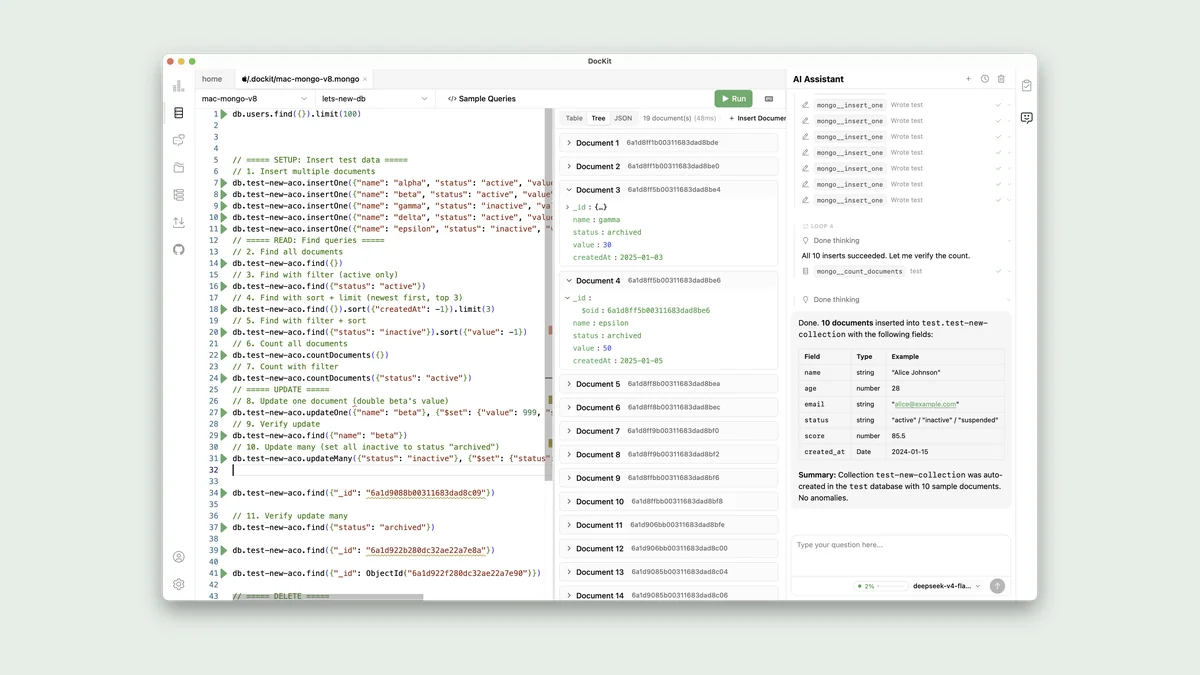
Write and run MongoDB queries with DocKit’s built-in AI assistant.
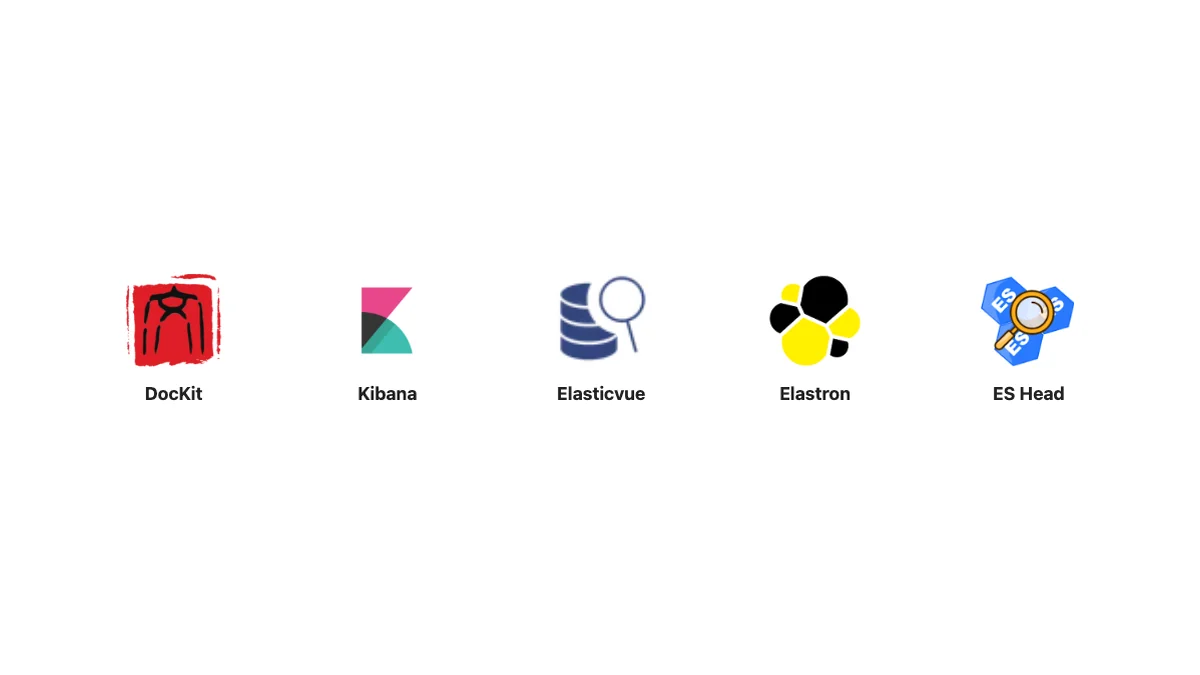
Five Elasticsearch tools compared, from query editors to full dashboards.
14 件
Why I built SqlKit and how to get started with PostgreSQL, MySQL, SQL Server, Oracle, or SQLite on macOS, Windows, and Linux.
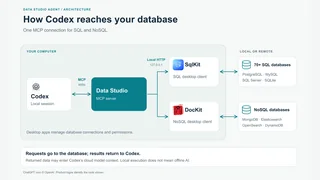
Inspect SQL and NoSQL schemas and run queries from Codex using MCP, SqlKit, and DocKit.
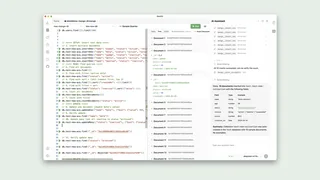
Write and run MongoDB queries with DocKit’s built-in AI assistant.
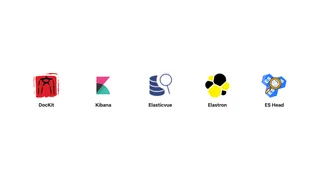
Five Elasticsearch tools compared, from query editors to full dashboards.
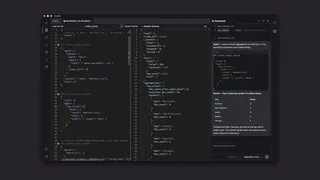
How an Elasticsearch query editor grew into a native NoSQL desktop client.
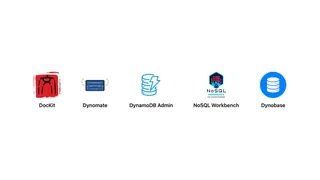
Comparison of the best DynamoDB GUI clients including DocKit, Dynobase, NoSQL Workbench, and AWS Console. Features, pricing, and recommendations.
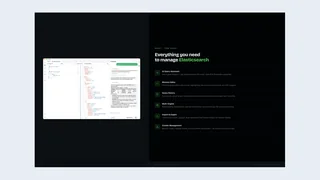
DocKit now maps every Elasticsearch operation to its official documentation — across versions (0.90 → 9.x), engines (ES, OpenSearch, DynamoDB), and languages (EN/ZH). Just press the documentation shortcut in the editor to get the exact API reference.
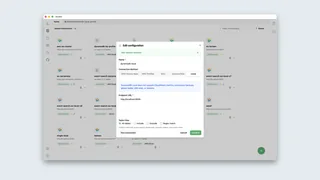
Learn how to set up DynamoDB Local with Docker or the downloadable JAR, configure AWS CLI access, create your first table, and connect local DynamoDB to DocKit.
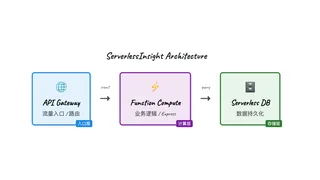
When implementing Alipay webhook callbacks, we encountered an issue where application/x-www-form-urlencoded request bodies were being converted to JSON objects. This article analyzes the problem chain, platform behavior, and solutions.
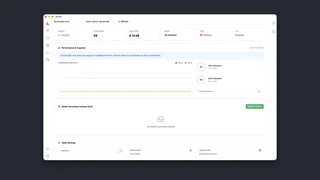
Learn how to access and manage DynamoDB Local with DocKit GUI. Step-by-step setup for offline development, querying tables, managing data, and CI/CD integration.
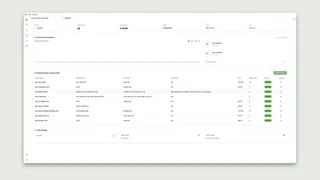
DocKit now lets you manage DynamoDB tables and monitor key metrics directly from your desktop. Browse tables, view capacity, track item counts, and manage indexes.
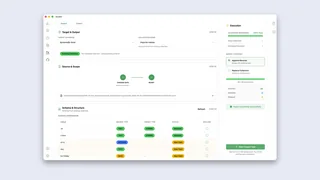
Learn how to import and export data in DocKit - the free, open-source GUI client for Elasticsearch, OpenSearch, and DynamoDB. Supports JSON, CSV, and JSONL import/export.
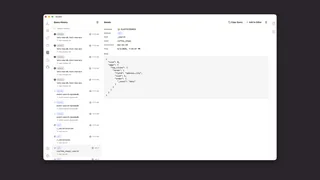
DocKit automatically saves every query across MongoDB, Elasticsearch, OpenSearch, and DynamoDB. View, copy, re-execute, and restore past queries — all locally persisted on your machine.
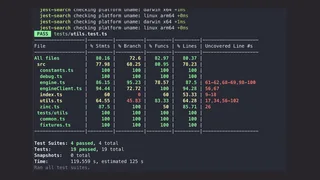
Learn how to write reliable Elasticsearch integration tests using jest-search — a Jest preset that spins up a local Elasticsearch, OpenSearch, or ZincSearch instance automatically for your test suite.